
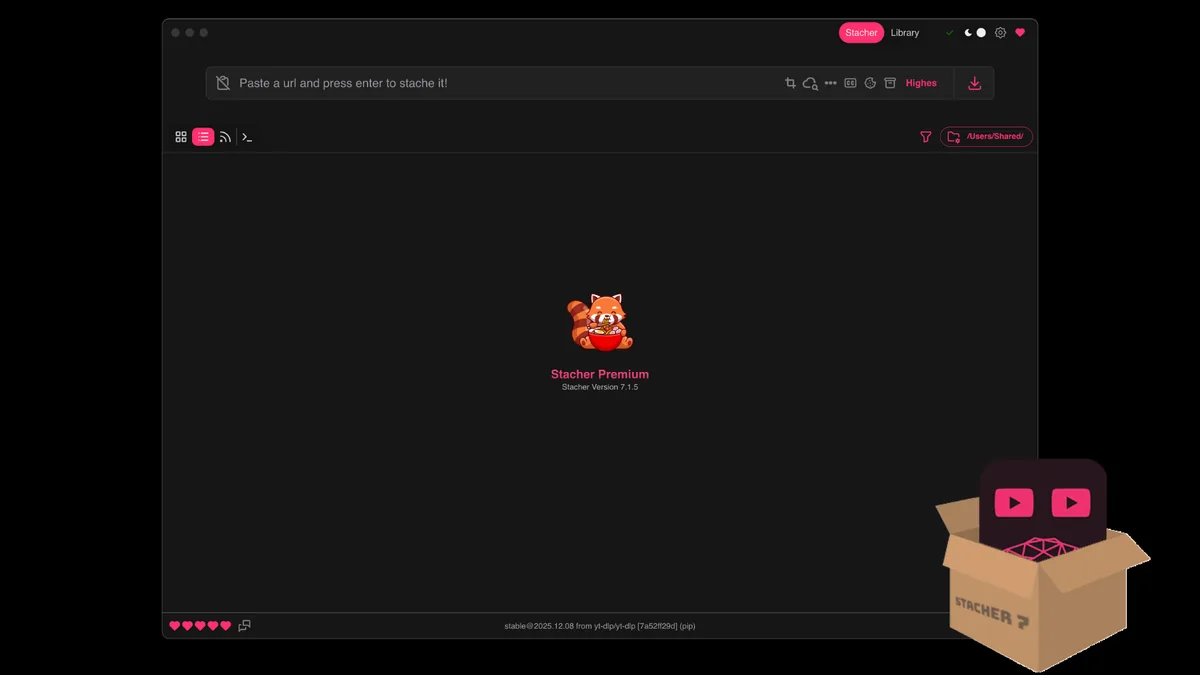
Can You Download TikTok Videos with Stacher?
Stacher passes a video URL to its managed yt-dlp component. The upstream project includes TikTok support, but warns that site changes can break an extractor. Results depend on the exact post, current component, access, and formats; one test cannot guarantee every link will work.
Start with a public video that opens normally in your browser. Private, deleted, age-restricted, or region-limited posts have different access conditions. Stacher cannot grant permission or restore media the platform no longer serves.
For diagnosis, test one video with default settings. Note whether the job fails while reading the page, listing formats, transferring data, or writing the final file; each points to a different cause.
- Extraction: yt-dlp must recognize the current page response.
- Access: your account must be allowed to view the post.
- Formats: the requested option must exist for that video.
- Post-processing: FFmpeg may merge or convert streams.
The reliable compatibility check is a test of the exact URL with a current managed extractor; a route listing is not a guarantee.
How to Download TikTok Videos with Stacher: Test One URL
To download TikTok videos with Stacher, use a video page link rather than a profile, search page, or player fragment. A Share-menu link is a reasonable starting point. Do not add browser cookies unless an authorized post actually requires account access.
Check for app-managed yt-dlp updates before testing. Extractor fixes can ship separately from Stacher itself, so this guide avoids a fixed version claim; use the app's current component status and official release notes.
- Copy one public video link that opens in your browser.
- Open Stacher and finish any managed yt-dlp update.
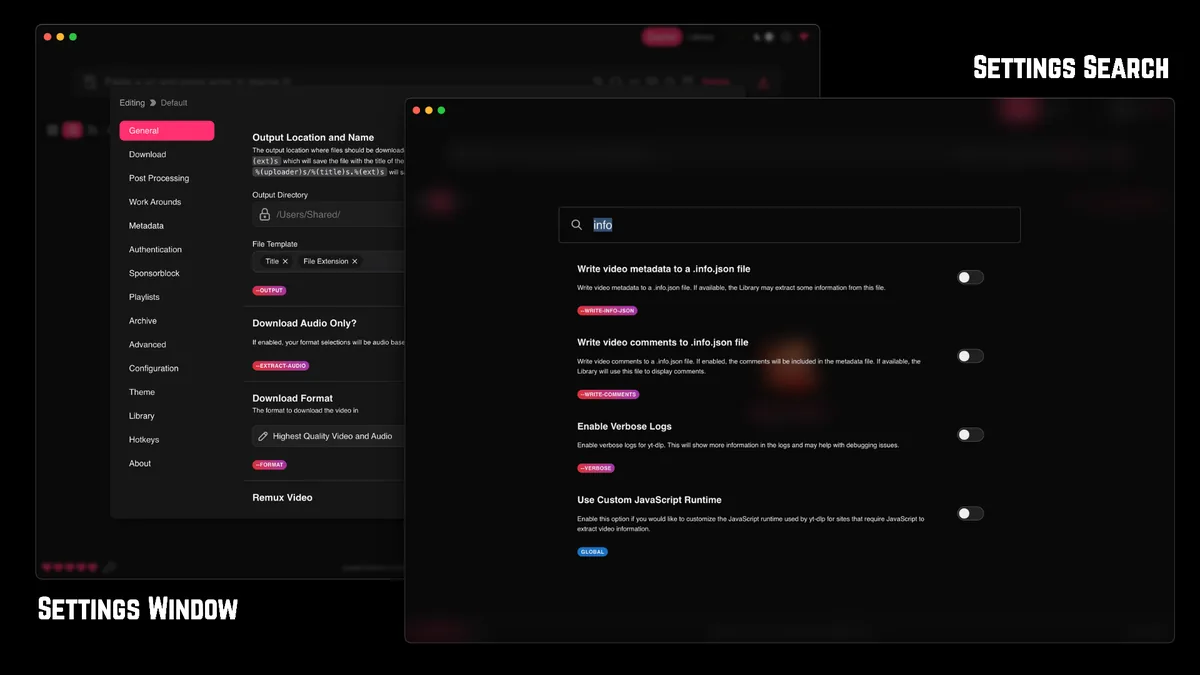
- Paste the link and inspect the formats Stacher lists.
- Choose a simple option and start one job in a writable folder.
- Open the output and confirm the log shows completion.
Why use one URL before a batch
One job separates extractor and access issues from queue size, storage, and post-processing. If it succeeds, verify the file before testing another link; if it fails, a batch only repeats the same uncertainty.
Note the app and yt-dlp versions, date, URL type, format, and first useful error. Redact usernames, private links, and session data before sharing logs.
When a login may matter
For an account-only post, confirm that an account you are authorized to use can open it. Use only Stacher's documented sign-in flow when needed. Never share cookies or use a session to evade private, paid, or regional restrictions.
A working browser session does not guarantee extractor access. If permission is unclear, stop rather than trying random headers, proxies, or converters.
Save media only when you have permission and the source's terms and local law allow it.
Choose a TikTok format and verify the output
Available formats vary by post. Stacher may list one combined file, separate video and audio streams, or fewer choices than expected. Choose from the actual list rather than assuming a resolution or extension exists.
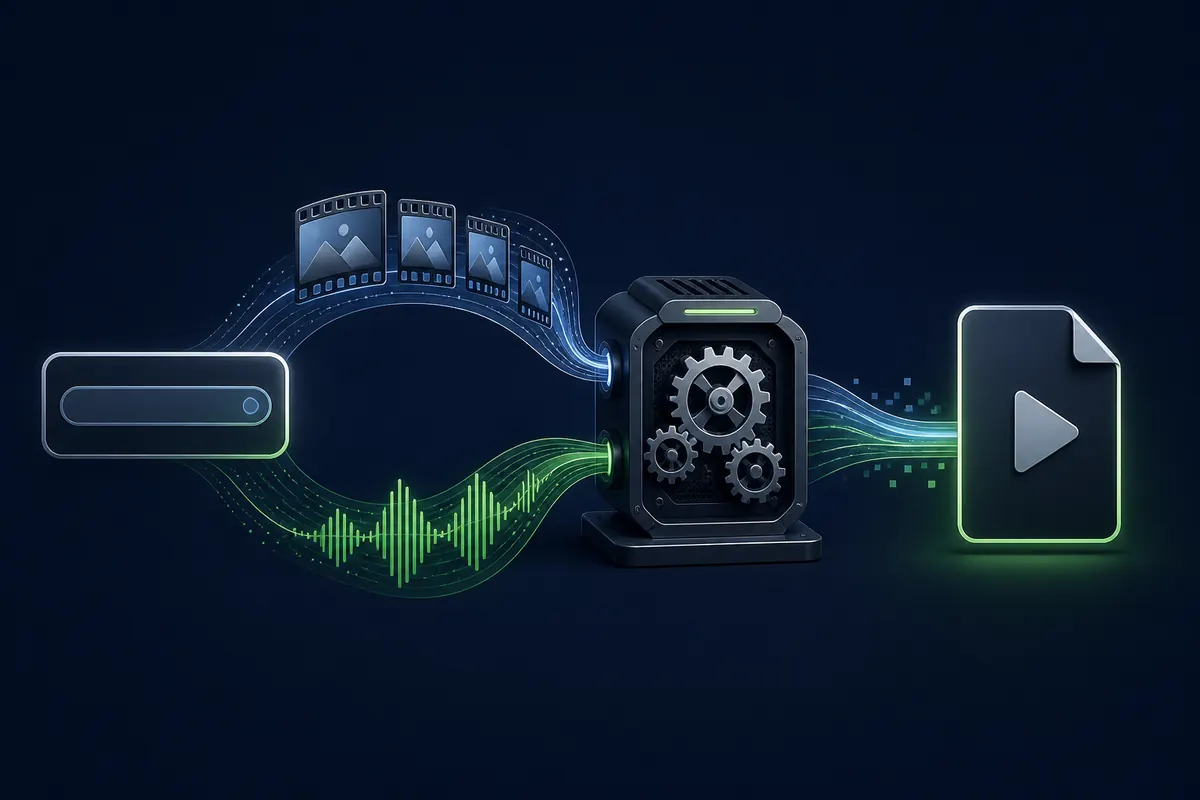
If MP4 is unavailable, try a simpler listed option before changing advanced rules. Separate streams may need an FFmpeg merge after transfer, which is different from a page that never returns formats.
- Start with the default video preset.
- Choose a listed fallback, not a guessed format ID.
- Leave space for temporary and merged files.
- Check playback, sound, duration, and extension.
| Observed result | Likely stage | Next check |
|---|---|---|
| No formats listed | Extraction or access | Update yt-dlp and confirm the page opens. |
| Format unavailable | Format choice | Select a listed fallback. |
| Separate streams | Local merge | Wait for post-processing and check FFmpeg. |
| Silent file | Stream choice | Review the format and test a combined option. |
An extension alone does not prove completion. Check playback and the final log lines.
Fix common Stacher TikTok download errors
Read the first specific error after the last successful stage. Avoid repeated restarts or changing several settings at once. A TikTok extractor challenge can affect one URL while other sites continue to work.
A public yt-dlp issue records a Stacher TikTok failure during challenge and cookie handling. It illustrates a change-sensitive extractor problem, not a universal diagnosis. Compare a redacted log with the current managed component.
| Symptom | What it suggests | Practical next step |
|---|---|---|
| Challenge response | Extractor or page changed | Update yt-dlp; retest one public link later. |
| Format unavailable | This post lacks the selected option | Choose a listed format. |
| Login or private error | Access is restricted or unavailable | Verify authorized access; do not bypass it. |
| No media found | Redirect, deletion, or changed page | Copy the video link and confirm playback. |
| No final file | Merge, storage, or write failure | Check post-processing, space, and folder access. |
| Some links fail | Posts differ in access or formats | Compare one failing and one public working link. |
Challenge errors are not automatically a Deno problem
A JavaScript runtime being installed does not prove that it can solve a specific response. Do not add random runtimes, plugins, or bypass packages. Update through Stacher and use the upstream issue process for a reproducible public failure.
Before reporting, remove private URLs, cookies, headers, personal paths, and account names. Share only versions and the log lines needed to reproduce a public issue.
Separate extractor failures from FFmpeg failures
No format list points to URL, extractor, or access; completed streams followed by a merge error point to FFmpeg, storage, or permissions. Reinstalling FFmpeg will not fix extraction, and cookies will not fix a local merge.
Keep the log and change one setting at a time. The related FFmpeg guide covers local merging and conversion.
Report repeatable public-link failures through the upstream process without credentials or private media URLs.
Access, privacy, and download limits
A downloader cannot restore a deleted post, grant private-profile access, or authorize a region-blocked item. Respect creators' rights, platform terms, and local law; this is technical guidance, not legal advice.
Cookies can keep an account signed in. Treat exports like passwords: do not post or send them. Use only the app's documented flow for an account you may access, then remove stored credentials when no longer needed.
Avoid converters that ask for a TikTok login, browser profile, or cookie file. Stacher downloads still make network requests to TikTok, and output files remain on your device.
- Do not bypass private, paid, age, or regional controls.
- Do not share cookies, session headers, private links, or raw logs.
- Save only content you are allowed to use.
- Check the output folder before a batch.
The platform controls availability; your permissions still apply.
Build a repeatable TikTok test workflow
When you download TikTok videos with Stacher, record the date, app and yt-dlp versions, whether the link was public, selected format, and failure stage. Do not retain private links or credentials in the note.
After one public video works, verify it before testing another. Compare access, redirect form, formats, and the first distinct error if a second link fails. One working post does not prove profile-wide support.
Check current yt-dlp references for extraction failures; use output or FFmpeg guidance for failures after transfer. Old command snippets may assume different options than Stacher.
- Save the first error and failure stage.
- Check folder permissions and free space.
- Update yt-dlp through Stacher.
- Retest one public URL with a simple format.
Related setup, yt-dlp, and general troubleshooting guides are listed below.
Stacher TikTok download FAQ
How do I download TikTok videos with Stacher?
Paste one public video link, inspect the formats Stacher lists, run a simple test, and check the final file and job log.
Why does Stacher say the TikTok requested format is unavailable?
That format may not exist for the post. Choose one Stacher lists instead of guessing an identifier.
Why does TikTok return a challenge or unexpected webpage error?
The platform response or extractor may have changed. Update managed yt-dlp, test one public URL, and save a redacted log. An installed runtime is no guarantee.
Do I need TikTok cookies in Stacher?
Public posts usually need no cookies. Use Stacher's documented sign-in flow only for an authorized post; never share exported cookies or session headers.
Can Stacher download a private or deleted TikTok video?
No. Deleted media cannot be restored, and Stacher cannot grant private access. Save only media you are authorized to use.
Why is there no final MP4 after TikTok finishes transferring?
Separate streams may need FFmpeg merging; a full or unwritable folder can also stop output. Check post-processing logs and folder access.
Should I use an online TikTok downloader instead?
Be cautious of services requesting logins or cookies. A desktop workflow avoids giving credentials to an unknown converter, but permission still applies.